ATS Explained: How Applicant Tracking Systems Work & How to Get Past Them

Navigating your IT Job Search on LinkedIn Embracing the New Reality!

If you’ve ever applied for a job online and heard nothing but crickets, you might have wondered:Ā Did my resume even make it through theĀ Applicant Tracking System (ATS)?

The truth is, many job seekers struggle with the complexities of Applicant Tracking Systems (ATS), those mysterious software platforms recruiters use to manage applications.

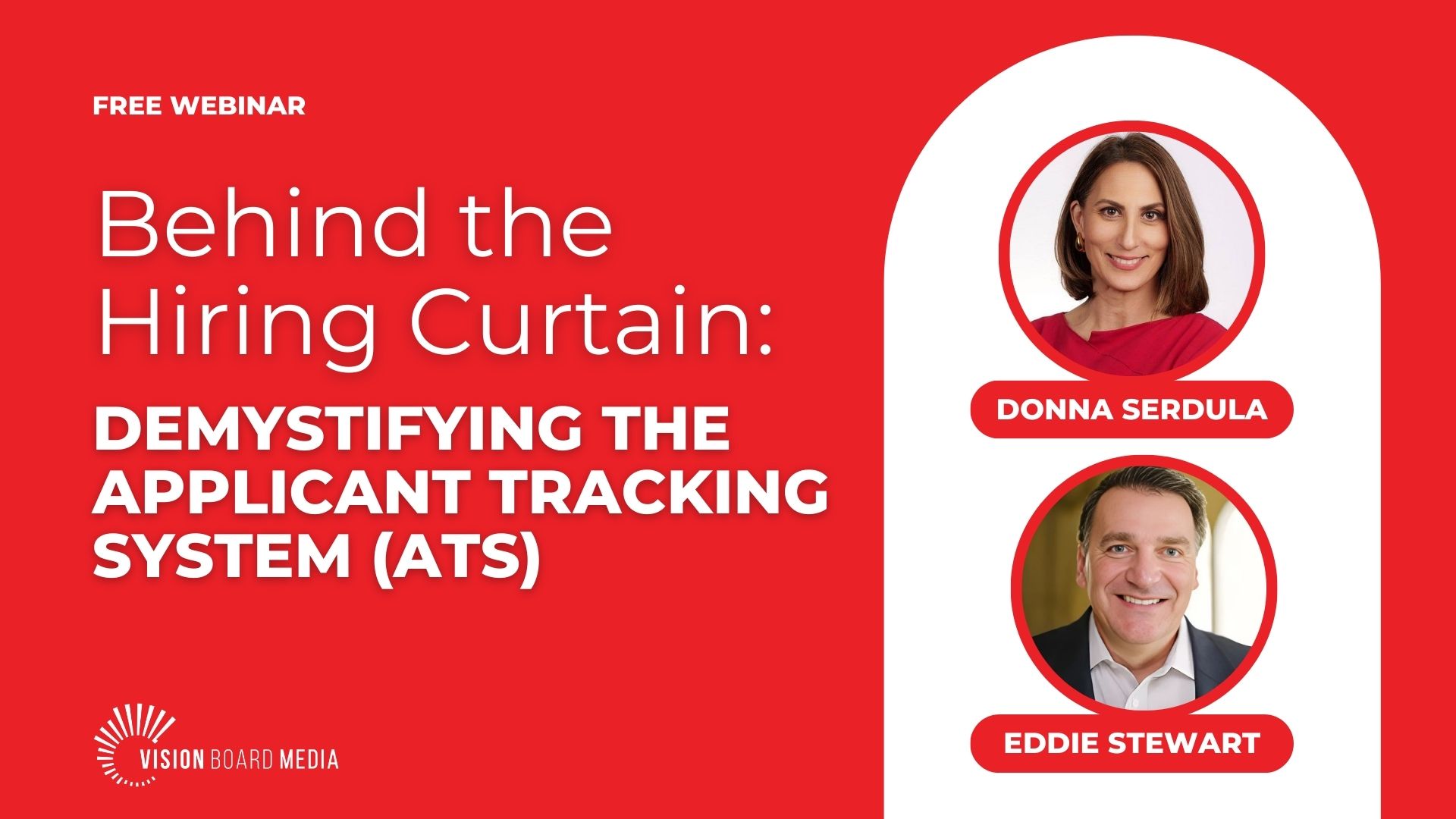
To clear up the confusion, I recently hosted a LinkedIn Live webinar titled “Behind the Hiring Curtain: Demystifying the ATS,” featuring Eddie Stewart, an expert in talent acquisition and recruiting technology.

Eddie has spent over 25 years in the recruiting industry, optimizing ATS software for growth-focused companies. In our conversation, he gave us an insider’s look at:

  • How ATS actually works
  • What happens when you hit ā€œApplyā€
  • How to increase your chances of getting noticed

What is an ATS & How Do Recruiters Use It?

An Applicant Tracking System (ATS) is hiring software that tracks, filters, and organizes applicants throughout the hiring process. While many job seekers believe ATS platforms “automatically reject” candidates, Eddie explained that they actually serve a broader role, including:

  • Posting jobs across LinkedIn, Indeed, and company career pages
  • Sorting and categorizing applicants based on qualifications
  • Helping recruiters manage the hiring pipeline from screening to onboarding
  • Ensuring compliance for companies, especially in regulated industries

In other words, ATS software isn’t your enemy—it’s a workflow tool that helps recruiters handle large applicant volumes.

What Really Happens When You Apply for a Job?

One of the biggest takeaways from our conversation:
Your resume isn’t getting rejected by a machine— most of the time it’s being reviewed by a human recruiter.

Here’s what happens behind the scenes when you submit your application:

  1. Your Application Enters the ATS Database
    If you applied via LinkedIn Easy Apply, Indeed, or a company career site, your resume is logged into the ATS.Ā Some companies also manually add candidates from networking events or employee referrals.
  2. Recruiters Screen Applications
    Some companies use screening questions (e.g., “Do you have at least 5 years of experience?”) to filter out unqualified candidates.Ā A human recruiter reviews resumes manually, scanning for relevant keywords, skills, and experience.
  3. Candidates Are Categorized
    Resumes are sorted into buckets like “Reviewed,” “Interviewing,” or “Not Selected.”Ā If rejected, some candidates receive an automated email—others, unfortunately, hear nothing.
  4. A Shortlist is Sent to the Hiring Manager
    Recruiters do NOT send dozens of resumes—only the top candidates make it through.Ā If you applied late, your resume may never get reviewed if strong candidates were found early.

5 Key Ways to Improve Your ATS Success Rate

Now that you know how ATS works, here’s how to optimize your application and increase your chances of getting hired:

  1. Apply Early
    Timing matters! Recruiters often review applications as soon as a job is posted and may stop once they find strong candidates.
  2. Customize Your Resume for Each Job
    Focus on the Qualifications Section of the job description. If the employer asks for:
    Project management experience
    CRM software proficiency
    B2B sales skills
    Then those exact terms should appear in your resume.
  3. Keep Your Resume ATS-Friendly
    Use a simple, standard format without excessive graphics, tables, or fancy fonts. Both Word (.docx) and PDF formats are acceptable.
    Need help optimizing your resume? Check out my Resume Writing Services.
  4. Network, Network, Network
    The best way to get noticed? A direct connection.
    Use LinkedIn to find employees at the company and ask for a warm introduction.
    Want to strengthen your LinkedIn presence? Check out my LinkedIn Profile Writing Services.
  5. Follow Up
    If you haven’t heard back, reach out to a recruiter or hiring manager with a thoughtful follow-up email. Persistence (without being pushy) can make a difference.

Final Thoughts: The ATS Isn’t Your Enemy

While Applicant Tracking Systems (ATS) play a major role in hiring, the real decision-makers are human recruiters and hiring managers—at least for now. The hiring landscape is evolving quickly. With the rise of AI-driven recruiting tools, the way applications are screened and selected may continue to change in the future.

Rather than focusing on how to ā€œbeatā€ ATS filters, shift your focus to applying for roles that genuinely align with your skills, experience, and career trajectory.

How to Future-Proof Your Job Search:

Ensure your resume is not an obituary—it shouldn’t just list what you’ve done. Instead, position yourself for the future, showcasing how your background and abilities align with your desired role.

Strengthen your digital presence—a well-optimized LinkedIn profile increases visibility and opens doors beyond job applications.

Network with industry professionals—the best way to land opportunities is often through direct connections, not online applications alone.

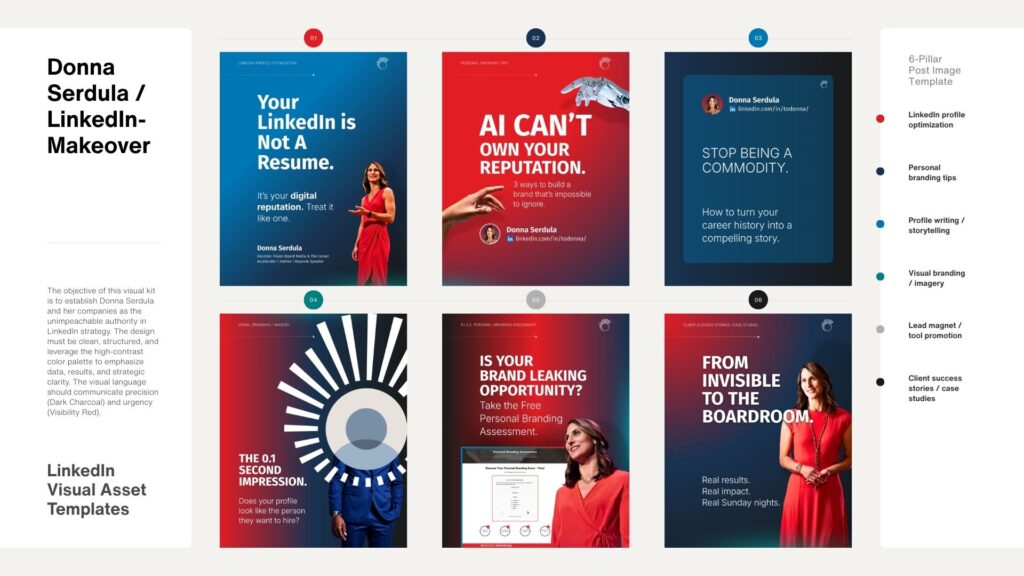
Want more insights on career branding and growth? Check out my Personal Branding Assessment to see how your professional presence measures up!

Frequently Asked Questions (FAQ)

Not exactly. While some ATS systems use screening questions to filter candidates (e.g., “Do you have at least five years of experience?”), most of the time, a human recruiter is reviewing resumes and making the final decision.

Your resume should be as long as necessary, but as concise as possible. A one-page resume works for early-career professionals, but if you have over 10+ years of experience, a two-page resume is completely acceptable. The key is to ensure the most important information appears on the first page, as that’s where recruiters focus first.

If possible, apply directly on the company’s website. Some ATS systems prioritize applications submitted directly rather than those coming from job boards. However, if a job board has an “Easy Apply” option, it’s still worth applying there for visibility—but don’t stop there. Consider networking with someone inside the company as well.

Most modern ATS platforms accept both Word (.docx) and PDF files without issues. However, Word files are the safest option as some older ATS versions may struggle with PDFs containing complex formatting.

No! Your LinkedIn profile is NOT your resume. While they should align in terms of branding and career goals, your LinkedIn profile should be more engaging, human, and story-driven, while your resume should be more concise and job-specific.

Yes, most Applicant Tracking Systems (ATS) will store all versions of your submitted CVs. Recruiters can typically see every position you’ve applied for, along with the resume you used for each one. However, ATS systems are requisition-specific, meaning the resume you submitted for Job A won’t automatically replace the resume submitted for Job B—they’ll both be stored separately.

Some ATS platforms allow candidates to upload and save multiple resumes in their profile, so if you apply again in the future, make sure your most relevant and updated CV is attached to each application.

Including a short description for lesser-known companies can be helpful—especially if the company name doesn’t clearly indicate the industry. However, it’s important to keep it concise to avoid overwhelming the resume.

A best practice is to add one or two lines under the company name, such as:
XYZ Tech Solutions (SaaS | $250M revenue | 1,500 employees)

This helps recruiters understand the scale and scope of your past employers without disrupting ATS parsing. Avoid lengthy paragraphs—your resume should prioritize your role and accomplishments over company details.

It depends on the company. Some companies do post “Evergreen” job listings—positions that are always open because they’re hiring continuously (e.g., customer service roles, sales positions). Others may post jobs to build a talent pipeline even if they don’t have an immediate opening.

However, most legitimate companies don’t post ā€œfakeā€ jobs just for marketing. If a company repeatedly posts roles that never seem to get filled, it could be a red flag that they’re either using it for data collection, market research, or to project growth to investors.

A good strategy is to network with employees at the company to get a sense of whether a role is actually open before spending time on an application.

Glossary of ATS & Job Search Terms

Applicant Tracking System (ATS): A software tool companies use to track and manage job applicants.

Automated Screening Questions: Questions asked during a job application that filter out candidates who don’t meet basic requirements (e.g., “Do you have a Bachelor’s degree?”).

Easy Apply (LinkedIn, Indeed, etc.): A feature on job boards that allows candidates to apply quickly with a saved resume, but may not always be the best way to get noticed by recruiters.

Evergreen Job Posting: A continuously open position that companies use to collect applicants for ongoing hiring needs, such as call center roles.

Networking Advocate: Someone inside a company who can refer you to the hiring team.

Parsing: How ATS software scans resumes for information.

Requisition (Rec): A formal job opening within a company.

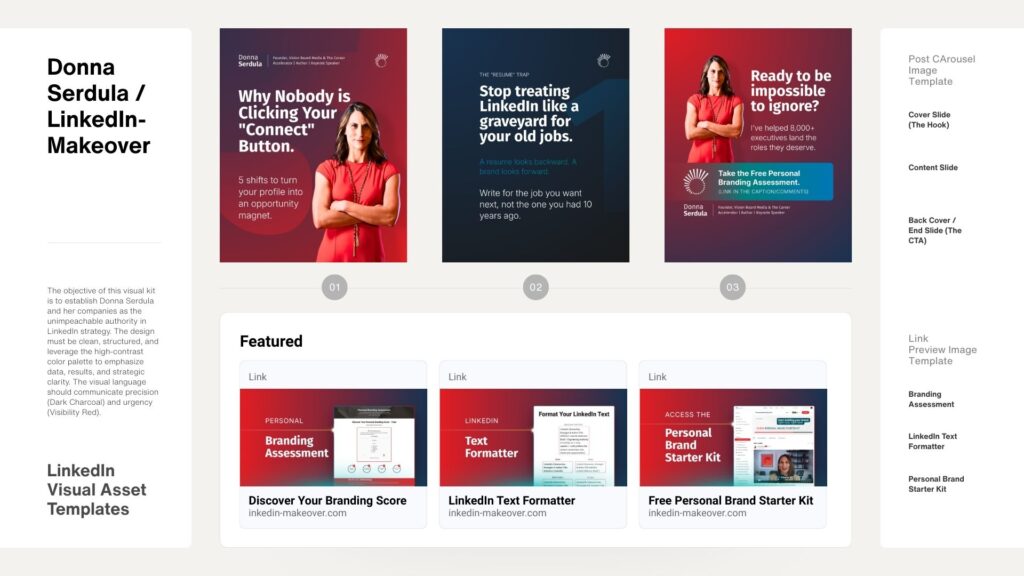
FREE Personal Brand Starter Kit

Everything you need to start building a brand that opens doors. Inside, you’ll find the tools to elevate your LinkedIn presence, clarify your value, sharpen your message, and start showing up in a way that gets noticed by the right people.

Strategy, templates, videos, downloads, and tools — all designed to help you take confident, intentional steps toward the future you want.

Learn More
CTA Illustration

0 Comments

Your email address will not be published. Required fields are marked *

Get your Personal Branding Score… FREE!

Widget BG
Quick Personal Branding Assessment

Instant Access

More than just LinkedIn Makeovers!
Resumes, Executive Branding, Social Media Strategy and more

Our Services

Questions? Contact me!

Donna Serdula 215-839-0008

Location Philadelphia, PA :: EST

Contact Me

Latest Blog Entries

Disclaimer

I LOVE LinkedIn! But I am not endorsed by or affiliated with LinkedIn in any way whatsoever.

There is NO relationship or affiliation with, sponsorship, or endorsement by LinkedIn with this Website.

Absolutely NO content has been authorized by or represents the views or opinions of LinkedIn or LinkedIn personnel.

LinkedIn Makeover is simply a description of a service I provide. My company is called Vision Board Media.

Consent Preferences