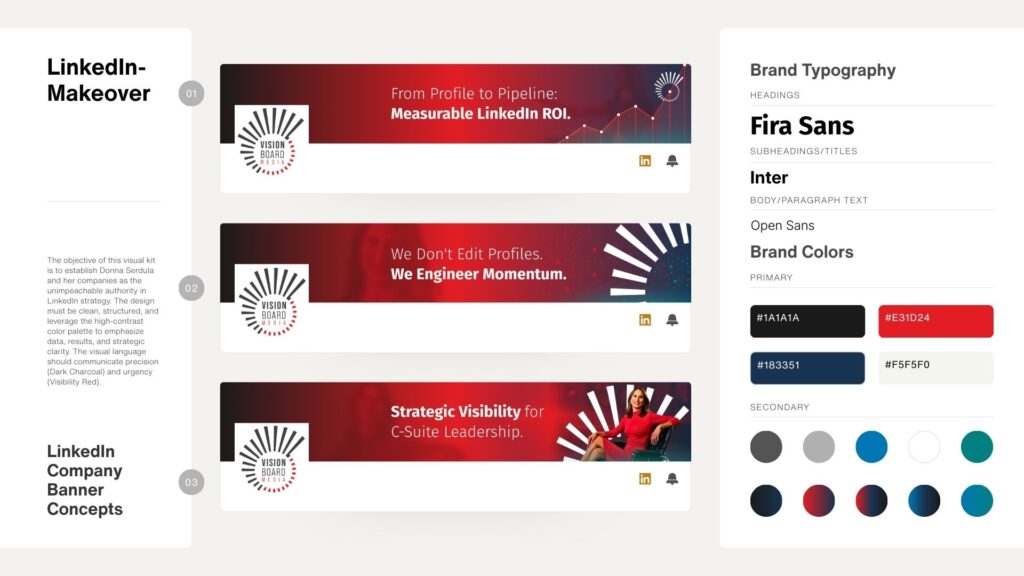
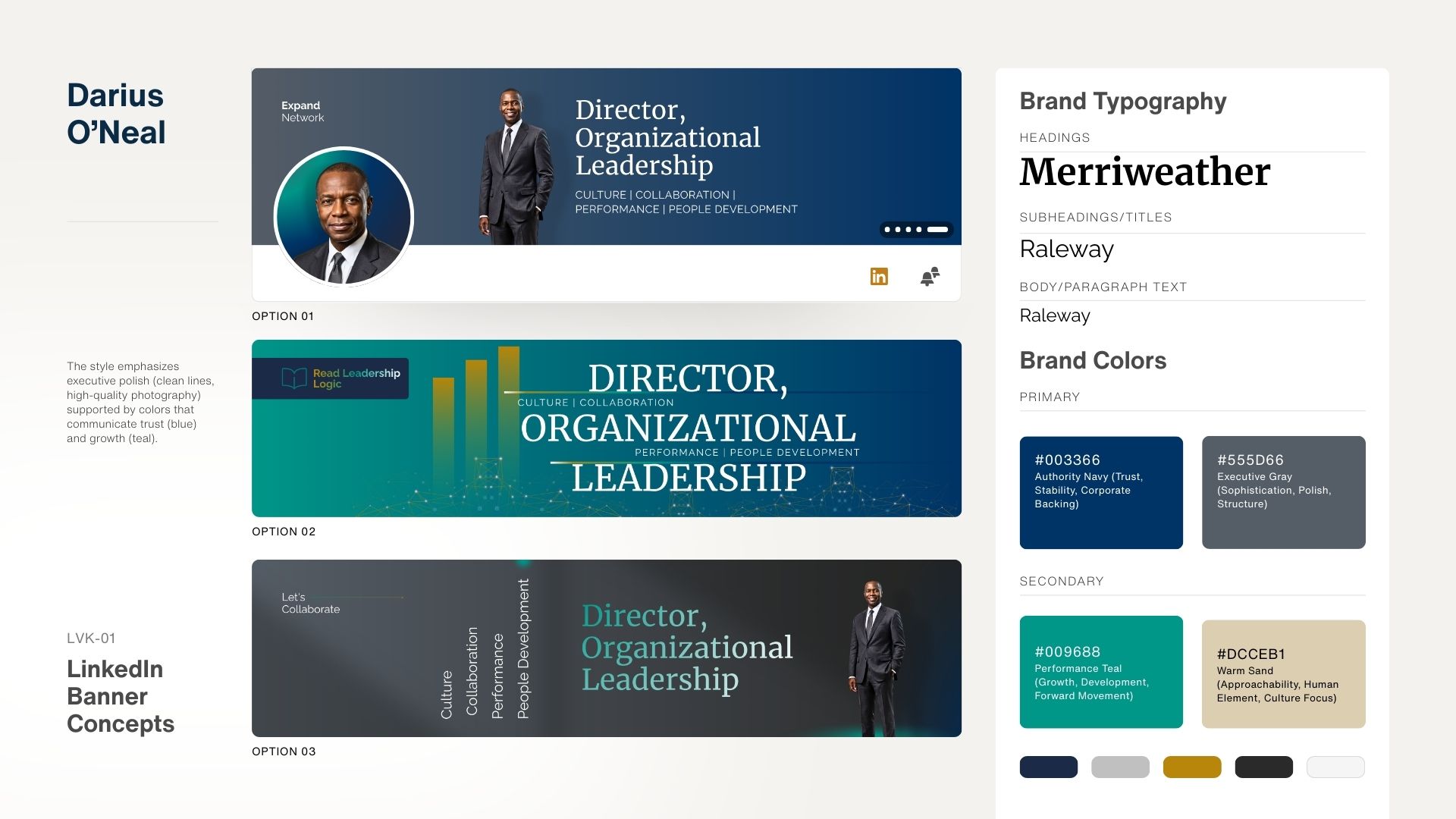
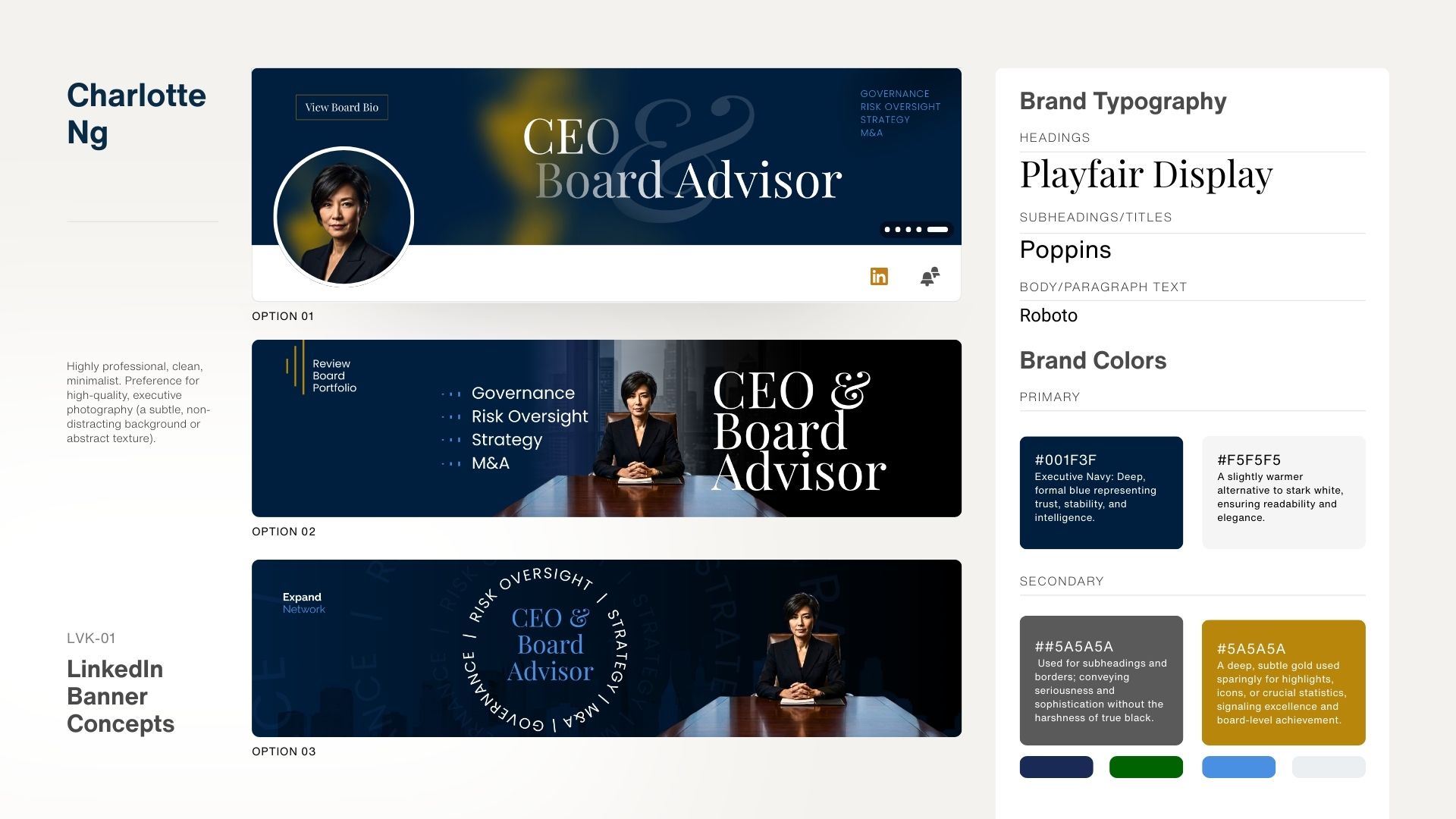
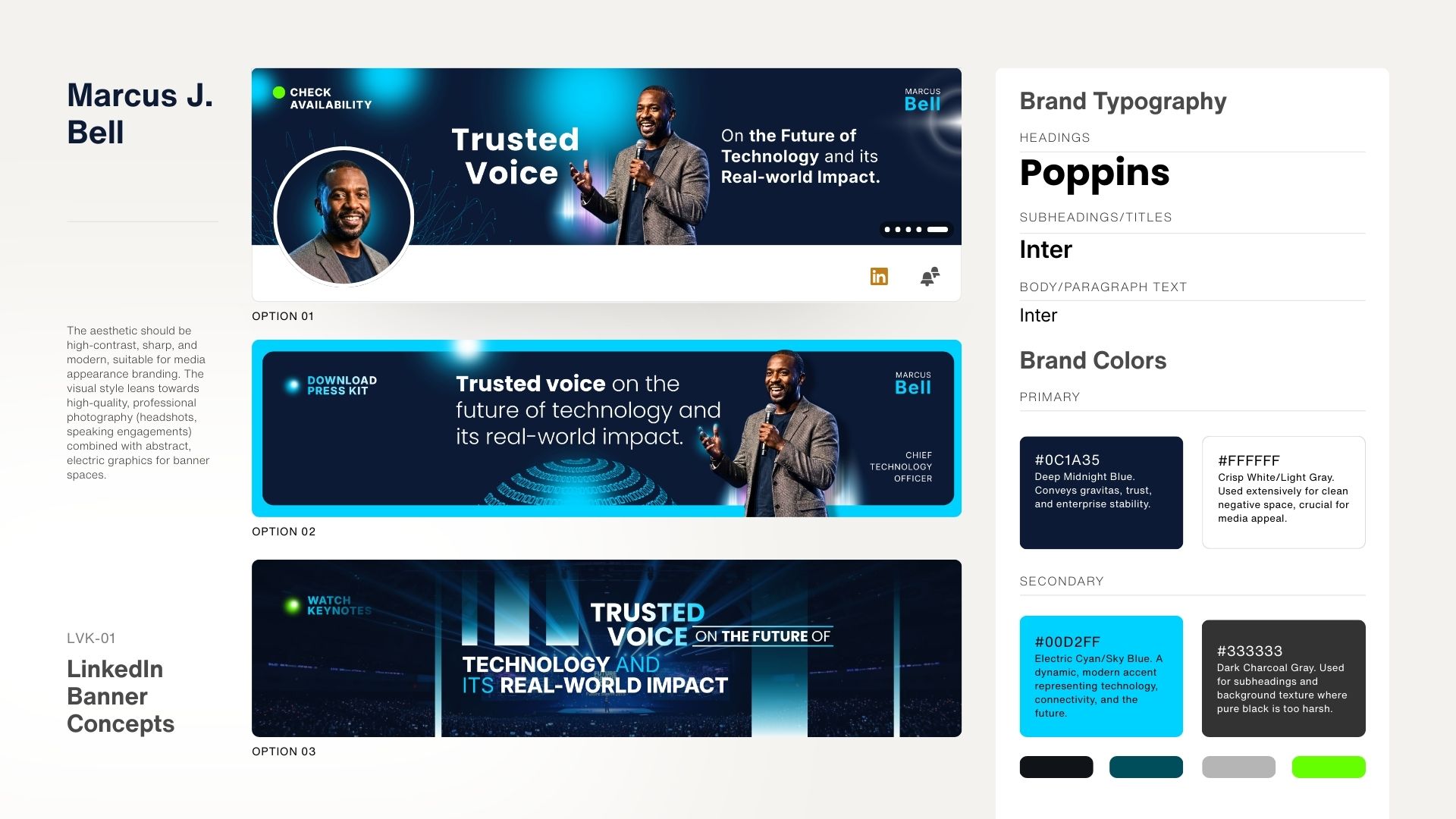
Elevate Your LinkedIn Profile with Dynamic Cover Images

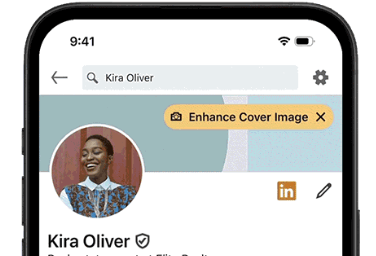
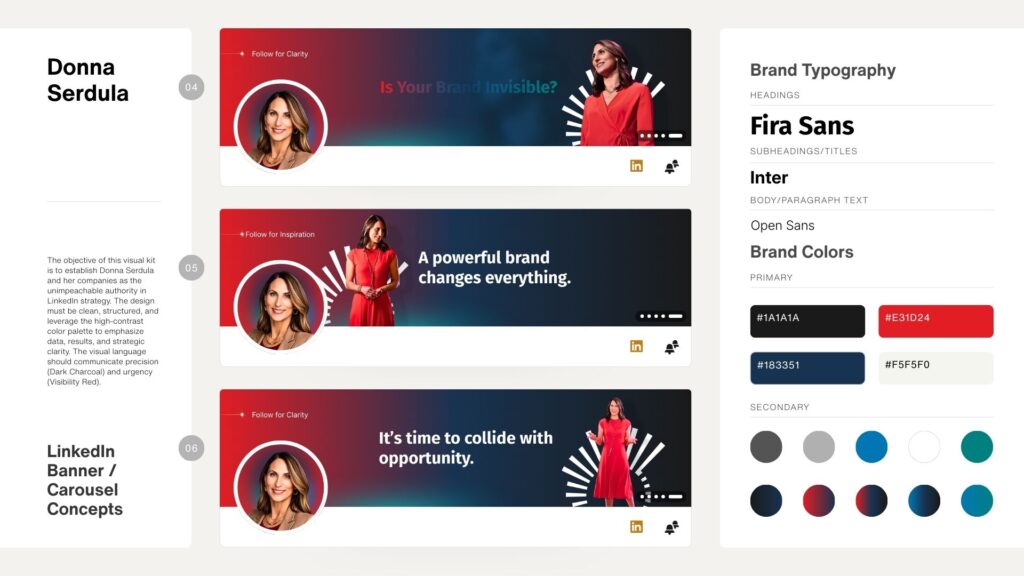
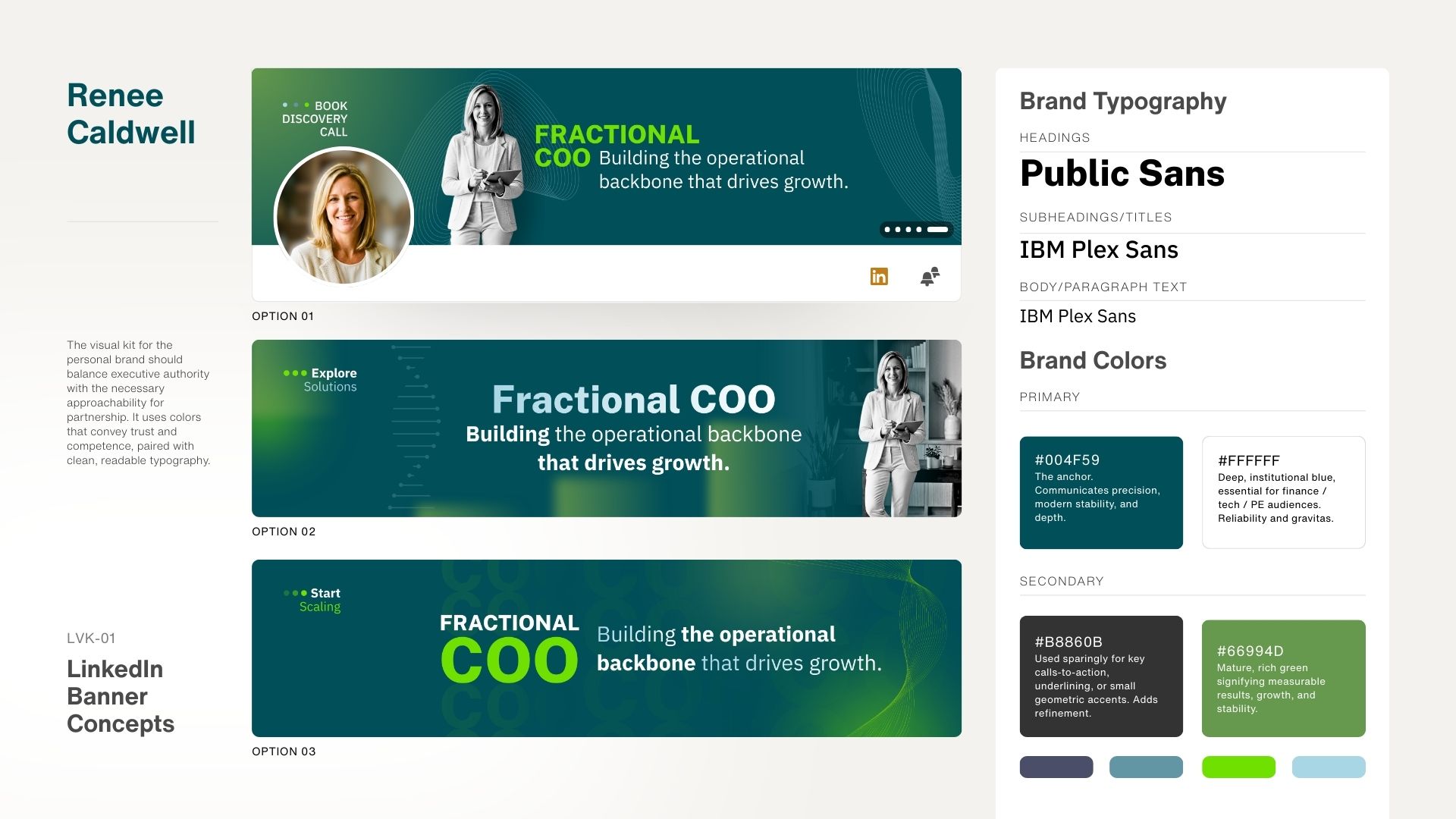
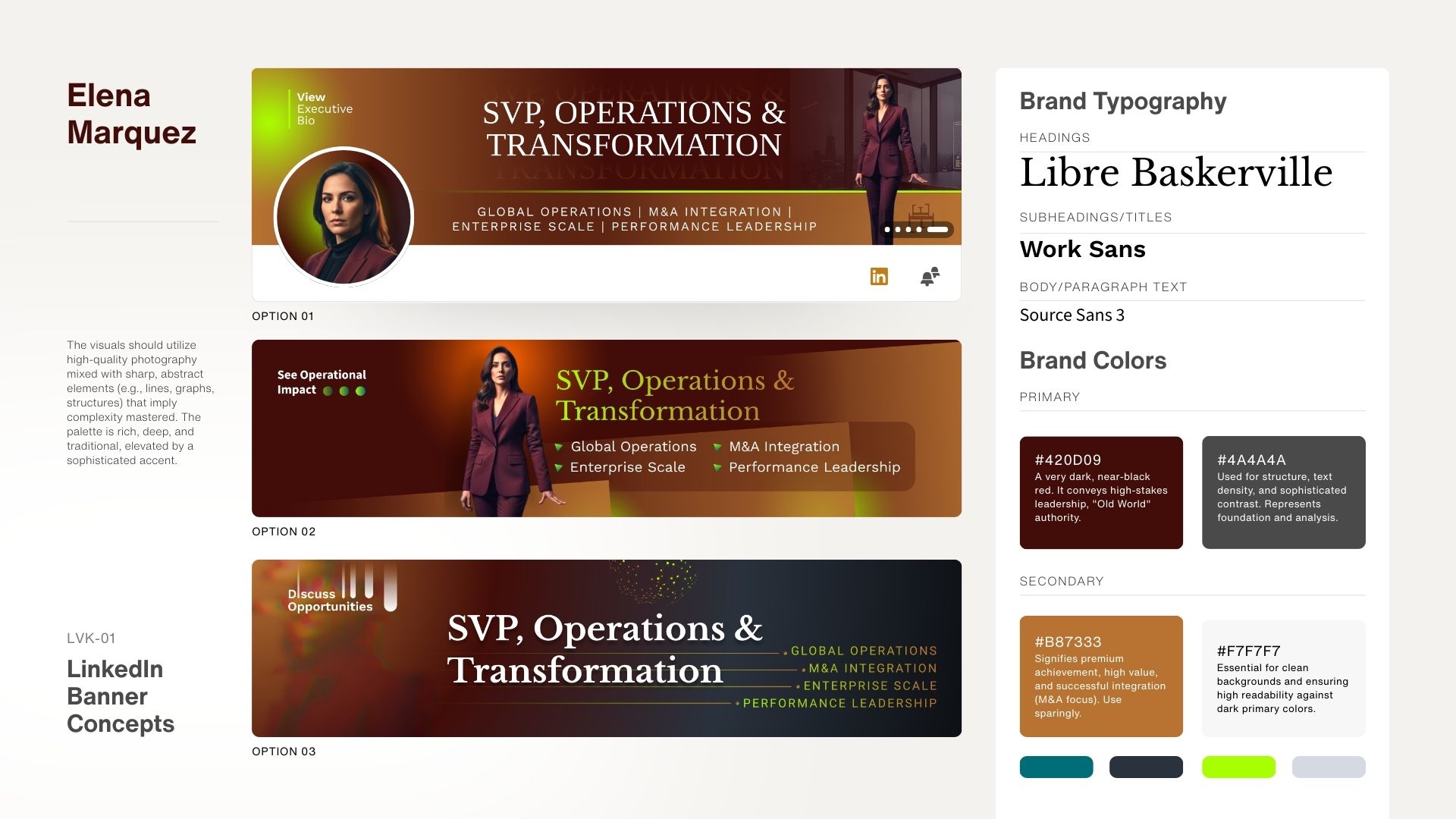
Add multiple background images to your LinkedIn profile for carousel effect with dynamic cover images

Your LinkedIn profile is more than just a digital resume—it’s your personal billboard to the world. While your profile picture and headline grab attention, have you ever considered the story your LinkedIn cover image tells? That customizable banner at the top of your profile is prime real estate to visually communicate who you are, what you do, and what you stand for. Since the introduction of background images on your LinkedIn profile, you have only been able to upload one image to illustrate and communicate your brand visually. But why just one? Why not a carousel of images that tell your brand story? 

LinkedIn has just unveiled an exciting game-changing feature that allows you to make your profile more engaging and impactful: dynamic cover images. This new tool will help Premium Business subscribers stand out and showcase their brand, work, or personality like never before.

What Are Dynamic Cover Images?

Dynamic cover images enable you to upload up to five photos that will rotate as a slideshow at the top of your LinkedIn profile’s background section. Think of it as a visual storytelling tool designed to capture attention and showcase what you want the world to see.

Add multiple background images to your LinkedIn profile for carousel effect with dynamic cover images


Here’s how LinkedIn described the feature in a recent announcement by Ora Levit, VP of Product Management:

“Your LinkedIn cover image—the customizable banner at the top of your Profile—is a great tool to visually express who you are, whether it’s your personality, interests, business, or brand. For entrepreneurs and business owners, it’s an excellent opportunity to showcase more about your offering in a compelling way.”

Dynamic cover images are rolling out to Premium Business subscribers globally in the coming weeks. This feature is perfect for professionals looking to make a stronger first impression:

  • Freelancers showcasing services and client work
  • Coaches highlighting transformative testimonials
  • Consultants featuring case studies and results
  • Real estate agents spotlighting property listings
  • Designers showing off portfolios and recent projects


How Can You Use Dynamic Cover Images Effectively?

The power of visuals lies in their ability to tell a compelling story quickly and effectively. Here are a few ways to leverage dynamic cover images to enhance your personal brand:

  • Highlight Client Success Stories: If you’re a coach, consultant, or service provider, use photos or graphics that showcase testimonials, outcomes, or before-and-after transformations.
  • Feature Your Product or Service: As a business owner, this is an excellent opportunity to highlight key products, services, or promotions.
  • Showcase Your Work: For creatives like designers, photographers, or marketers, a rotating banner allows you to show off multiple projects.
  • Communicate Your Brand Message: Select images that reflect your values, mission, and what sets you apart in your industry.

Why Is This Feature a Game-Changer?

The cover image has always been a valuable tool for personal branding for professionals, but dynamic cover images take it to the next level. By rotating through multiple visuals, you:

  • Capture Attention: A dynamic banner is more engaging than a static one.
  • Tell a Story: Convey the breadth of what you offer in just seconds.
  • Make a Lasting Impression: The right visuals can communicate professionalism, creativity, and confidence.

LinkedIn is continuously rolling out features to help professionals stand out—and this one is tailor-made for those looking to elevate their personal brand.

LinkedIn Dynamic Cover Image demo

FAQs About LinkedIn Dynamic Cover Images

Q: Who has access to the LinkedIn Dynamic Cover Images feature?
A: Dynamic cover images are available to Premium Business subscribers globally. If you’re not on Premium Business yet, it might be worth considering this upgrade to unlock this and other advanced features.

Q: I am a Premium user of Sales Navigator, why don’t I have access to it? 
A: LinkedIn is rolling it out slowly. The first premium members who have access to it are the Premium Business subscribers. As long as the roll out goes well, you can expect to see it hit your premium account soon.

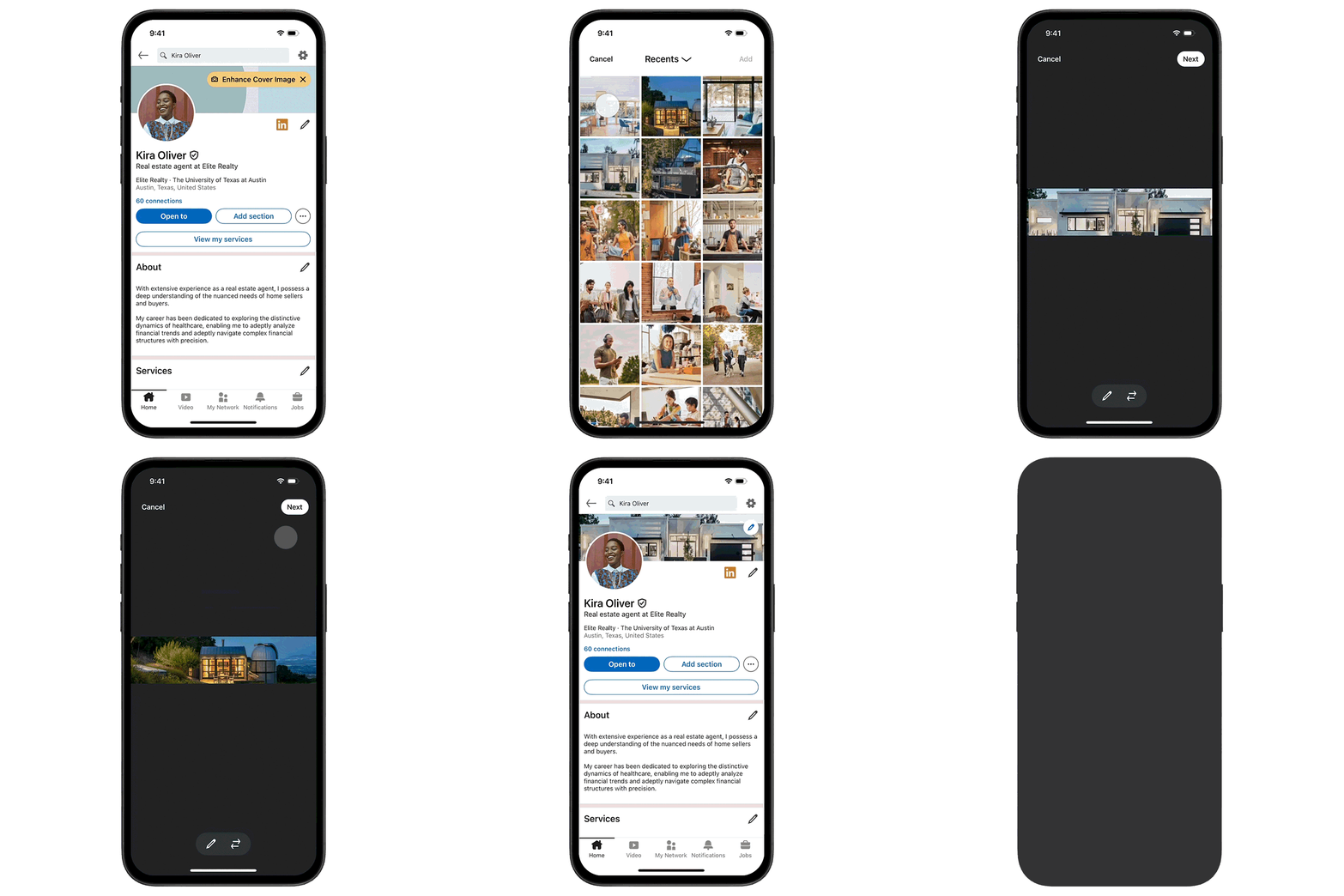
Q: How do I upload dynamic cover images to my LinkedIn profile?
A: Once the feature is available to you, go to your profile, click on your cover image, and select the option to upload multiple photos. You can upload up to five images to create the rotating slideshow.

Q: Can I change my images later?
A: Yes! You can edit, replace, or update your photos at any time.

Q: What types of images work best?
A: Use high-quality, professional visuals that align with your personal brand. Avoid cluttered images or text-heavy graphics. Keep it clean, clear, and visually appealing.

Q: I’m not sure what to include in my slideshow. Any tips?
A: Focus on showcasing your work, highlighting results, and communicating your value. Think about visuals that would inspire confidence in a potential client, employer, or collaborator.

Let’s Make Your LinkedIn Cover Work for You

If you’re unsure how to get started or need ideas for creating dynamic visuals, I’m here to help. As the founder of Vision Board Media and a pioneer in LinkedIn Profile Optimization, I’ve helped thousands of professionals transform their profiles into powerful personal brand statements.

Ready to make your cover image shine? Reach out to me today—let’s bring your vision to life!

Glossary

  • LinkedIn Cover Image: The customizable banner image that appears at the top of your LinkedIn profile. Also called LinkedIn Background Image or LinkedIn Background Photo
  • Dynamic Cover Images: A new LinkedIn feature for Premium Business subscribers that allows up to five photos to rotate as a slideshow.
  • Premium Business: A LinkedIn subscription plan that offers additional tools and features to professionals and businesses.

Final Thoughts

Your LinkedIn profile is one of the most powerful tools you have for professional growth. With dynamic cover images, LinkedIn gives you an even bigger opportunity to make a memorable first impression. Don’t miss out on this feature—start brainstorming how you can use it to tell your story, highlight your value, and captivate your audience.

Need help taking your LinkedIn presence to the next level?
Let’s chat! Together, we’ll make sure your LinkedIn profile works as hard as you do.

FREE Personal Brand Starter Kit

Everything you need to start building a brand that opens doors. Inside, you’ll find the tools to elevate your LinkedIn presence, clarify your value, sharpen your message, and start showing up in a way that gets noticed by the right people.

Strategy, templates, videos, downloads, and tools — all designed to help you take confident, intentional steps toward the future you want.

Learn More
CTA Illustration

0 Comments

Your email address will not be published. Required fields are marked *

Get your Personal Branding Score… FREE!

Widget BG
Quick Personal Branding Assessment

Instant Access

More than just LinkedIn Makeovers!
Resumes, Executive Branding, Social Media Strategy and more

Our Services

Questions? Contact me!

Donna Serdula 215-839-0008

Location Philadelphia, PA :: EST

Contact Me

Latest Blog Entries

Disclaimer

I LOVE LinkedIn! But I am not endorsed by or affiliated with LinkedIn in any way whatsoever.

There is NO relationship or affiliation with, sponsorship, or endorsement by LinkedIn with this Website.

Absolutely NO content has been authorized by or represents the views or opinions of LinkedIn or LinkedIn personnel.

LinkedIn Makeover is simply a description of a service I provide. My company is called Vision Board Media.

Consent Preferences