I often get questions from people regarding LinkedIn. When I feel the question is shared by others, I post it here on my blog for all to read. Keep reading for some LinkedIn SEO tips!
Question
Hi Donna,
I have a problem with bulleting on LinkedIn.
When I bullet on LinkedIn, it looks like this: (trying to space the text does not help)

When I bullet in word, it looks like this:

I wish to retain the word formatting in LinkedIn. Any ideas?
Regards, BB
Answer
Hi BB!
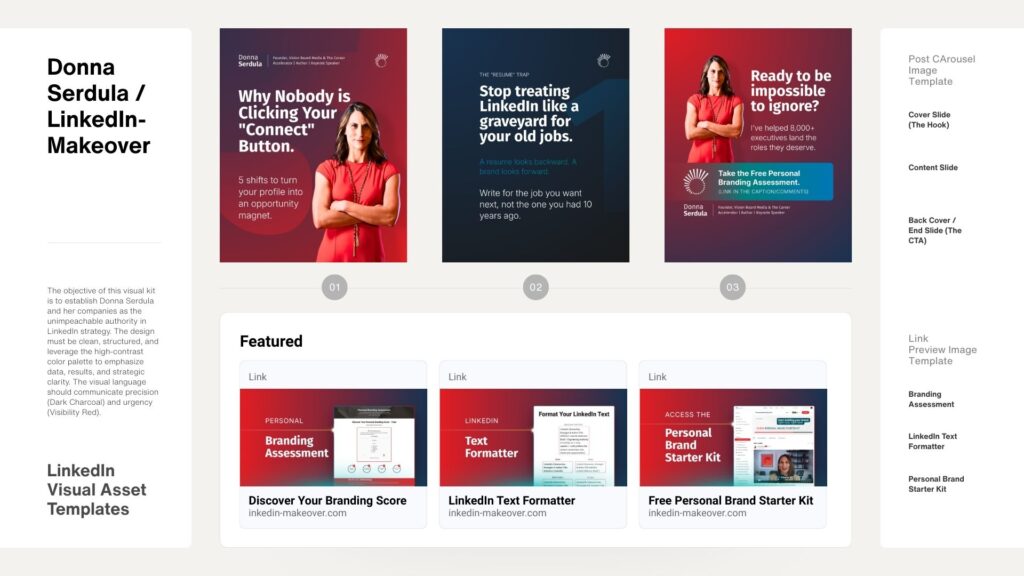
The reason your bulleted list items doesn’t look the same on LinkedIn is that there is no formatting on LinkedIn. You can’t indent, bold, underline or italicize text nor can you create bulleted lists, natively on LinkedIn. When you do create a bulleted list on LinkedIn, you aren’t really bulleting. Instead, you are simply adding a Unicode symbol prior to the start of the sentence line. In fact, you can do quite a lot with Unicode that mimics formatting, check out my LinkedIn Text Formatter tool.
Sadly, in terms of creating an indent on the second line of a bulleted list, there’s really nothing you can do. Yes, you could try adding spaces to the second line BUT that will not look right across all devices used to view your profile. Think of the screen size difference between a little iPhone screen vs an iPad vs the wide desktop monitor. These devices display your profile differently and by trying to hard code space within the sentence, it will invariably look wrong on more than one device.
My recommendation is to simply accept it for what it is– a peculiarity with LinkedIn. Looking at your LinkedIn example, it actually looks just fine- yes, different than how Word displays it but just fine nonetheless. When it comes to your LinkedIn profile, the most important thing isn’t formatting but rather the strength of your accomplishments and professional story.
Strategy, templates, videos, downloads, and tools — all designed to help you take confident, intentional steps toward the future you want.
Learn More


Input your search keywords and press Enter.